


01What it is
A workstation is a place where work on a car is done. It has a name unique in the workshop, a location, zone, colour, type, capacity and equipment.
The colour marks the workstation in the schedule and the calendar. The hourly cost is seen and saved by people with access to finance.
- COLOUR IN THE PLAN
- Every workstation has its own colour in the schedule.
- CAPACITY
- How many cars it handles at once, from 1 to 99.
- HOURLY COST
- For people with access to finance.
02What it is for
The day plan
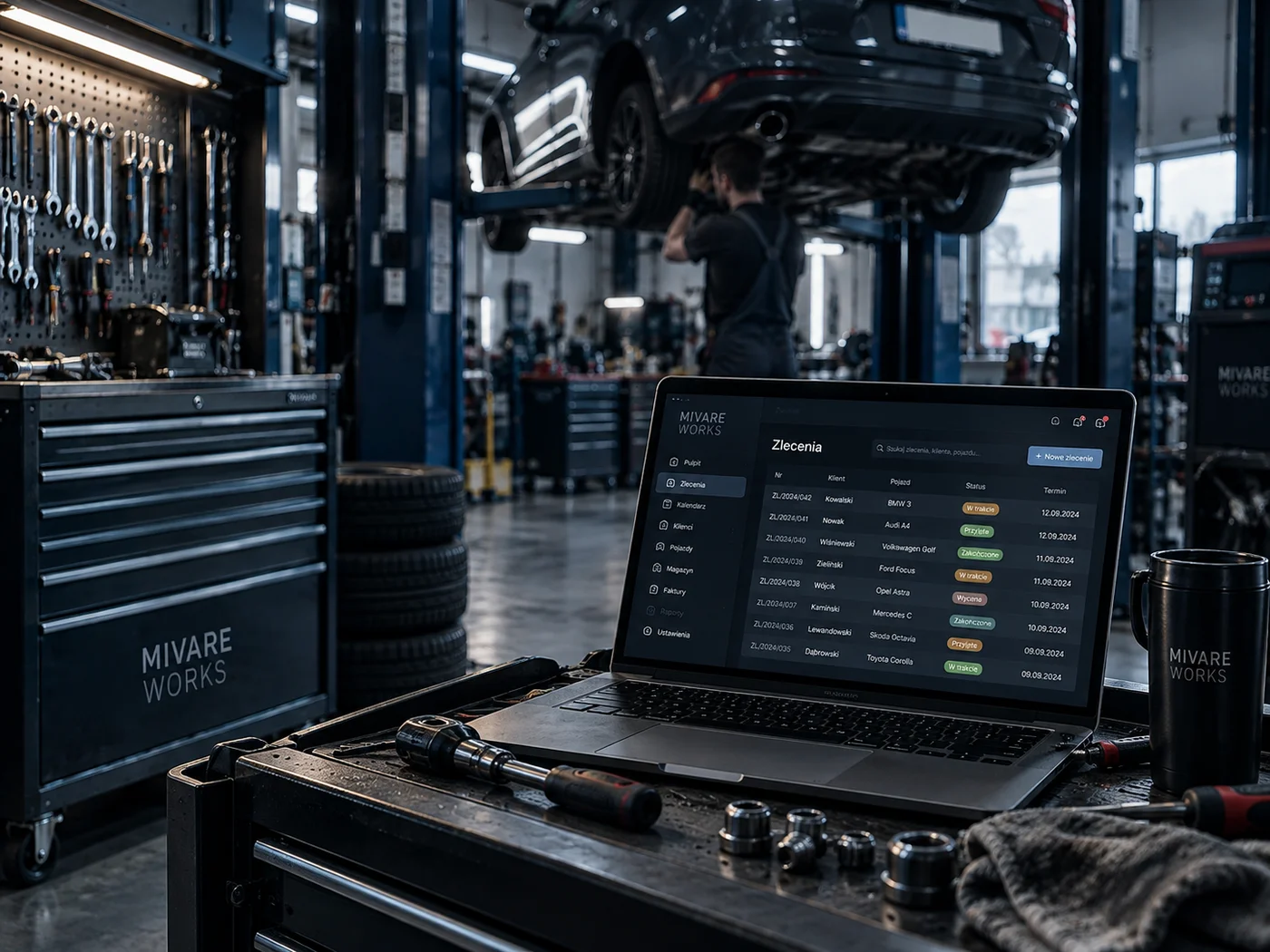
The dashboard and schedule show visits in workstation rows.
Usage
The Workstation usage tile on the dashboard counts busy workstations.
Bottlenecks
The Owner centre flags workstations at the edge of capacity.
Workstations by location
Every location has its own workstations and its own plan.
03Main options
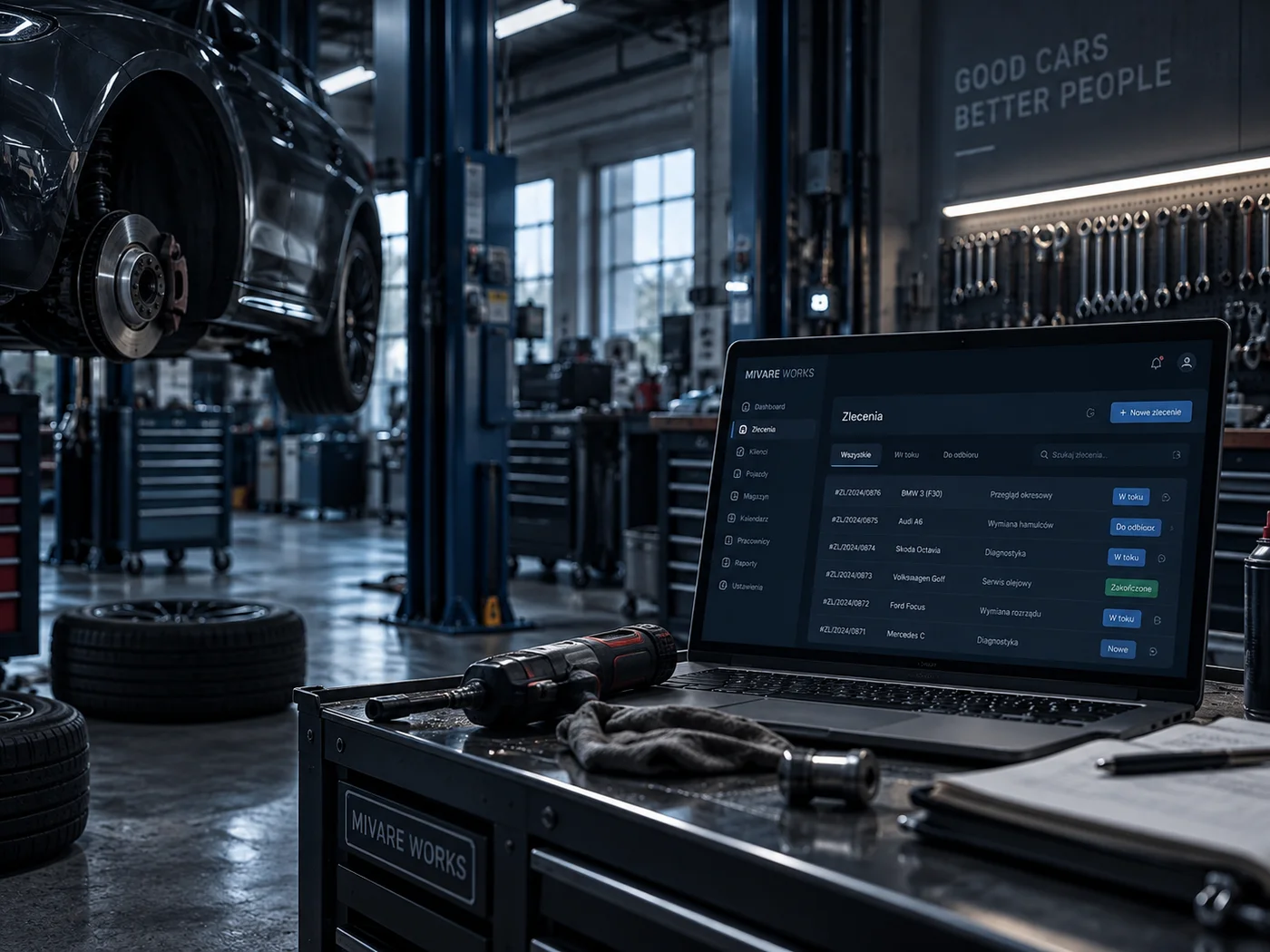
Workstations is a list and the workstation form.
Workstations in locations
Name with colour, location, zone and status.
- The colour shows next to the name
- Active and inactive workstations
Name, place and capabilities
Name and location are required.
- Zone, colour and workstation type
- Capacity from 1 to 99
- Hourly cost (with access to finance), equipment, active, note
04Tasks step by step
- STEP 1Open Settings › Workstations and add a workstation.
- STEP 2Enter the name and pick the location, set the colour, type and capacity.
- STEP 3Save. The workstation appears in the schedule and in the choice on visits and work.
- STEP 1Open the workstation and untick active.
- STEP 2A workstation used on visits, job tasks or work packages cannot be deleted.
05Actions
The most common tasks around workstations.
Add a workstation
A new place of work in a location.
Colour in the plan
A recognisable workstation in the schedule.
Usage
Workstation occupancy on the dashboard.
06What it connects to
Choose a module to see where workstations are used.
Daily dashboard
The day schedule and the workstation usage tile.
Go to the topicDaily dashboardOwner centre
Flags for work without a workstation and for capacity.
Go to the topicOwner centre