


01What it is
A check-in protocol records the car's condition when it arrives, and a handover protocol when it goes back to the customer. You create the document from the vehicle card: Check in the vehicle or Hand over the vehicle.
A car can have only one open check-in. A handover always points to a check-in of the same car. A check-in that has a handover cannot be deleted.
Saving a new protocol issues a PRZ or WYD number and creates a linked inspection with the mileage and fuel.
- CONDITION IN WRITING
- Mileage, fuel, keys and inspection.
- CUSTOMER SIGNATURE
- On screen, with the signing date.
- INSPECTION AT ONCE
- A damage map linked to the protocol.
02What it is for
No disputes over a scratch
The car's condition signed by the customer at check-in.
What is in the workshop
The Currently in the workshop tile counts cars without a handover.
Keys and belongings
The number of keys and items left in the car.
03Main options
The module has a document list, the protocol form and a document card with Details, Photos and Documents tabs.
Every check-in and handover
Tiles: all documents, check-ins, handovers, currently in the workshop.
- Columns: document, vehicle, owner, location, job, mileage, date
- Type filter and search by car, registration, VIN, customer and job
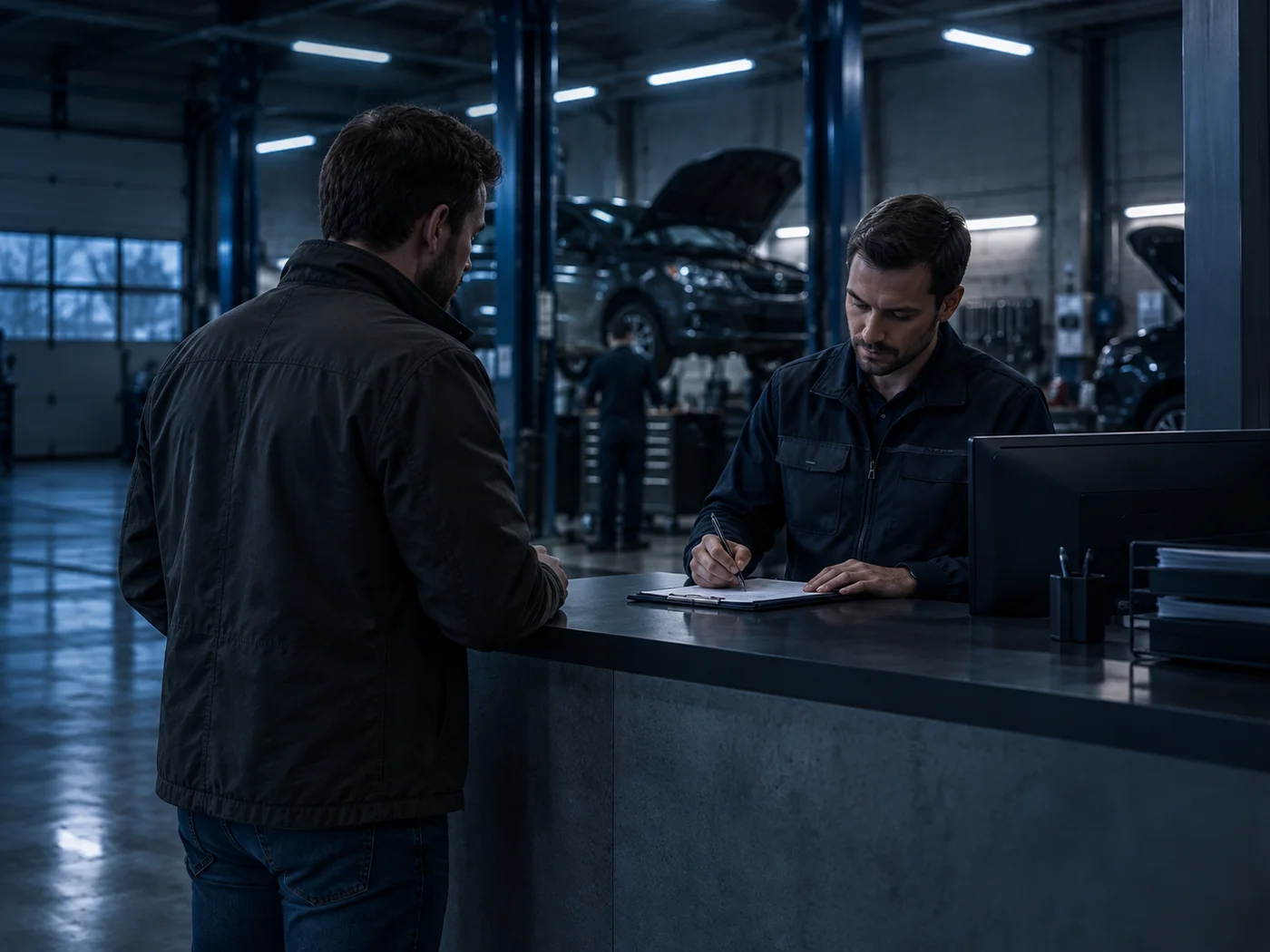
Car condition and signature
A handover requires pointing to the check-in.
- Related job, mileage, fuel level, number of keys
- Confirmed by the customer and a drawn signature
- Equipment, notes, an inspection card with parts and condition
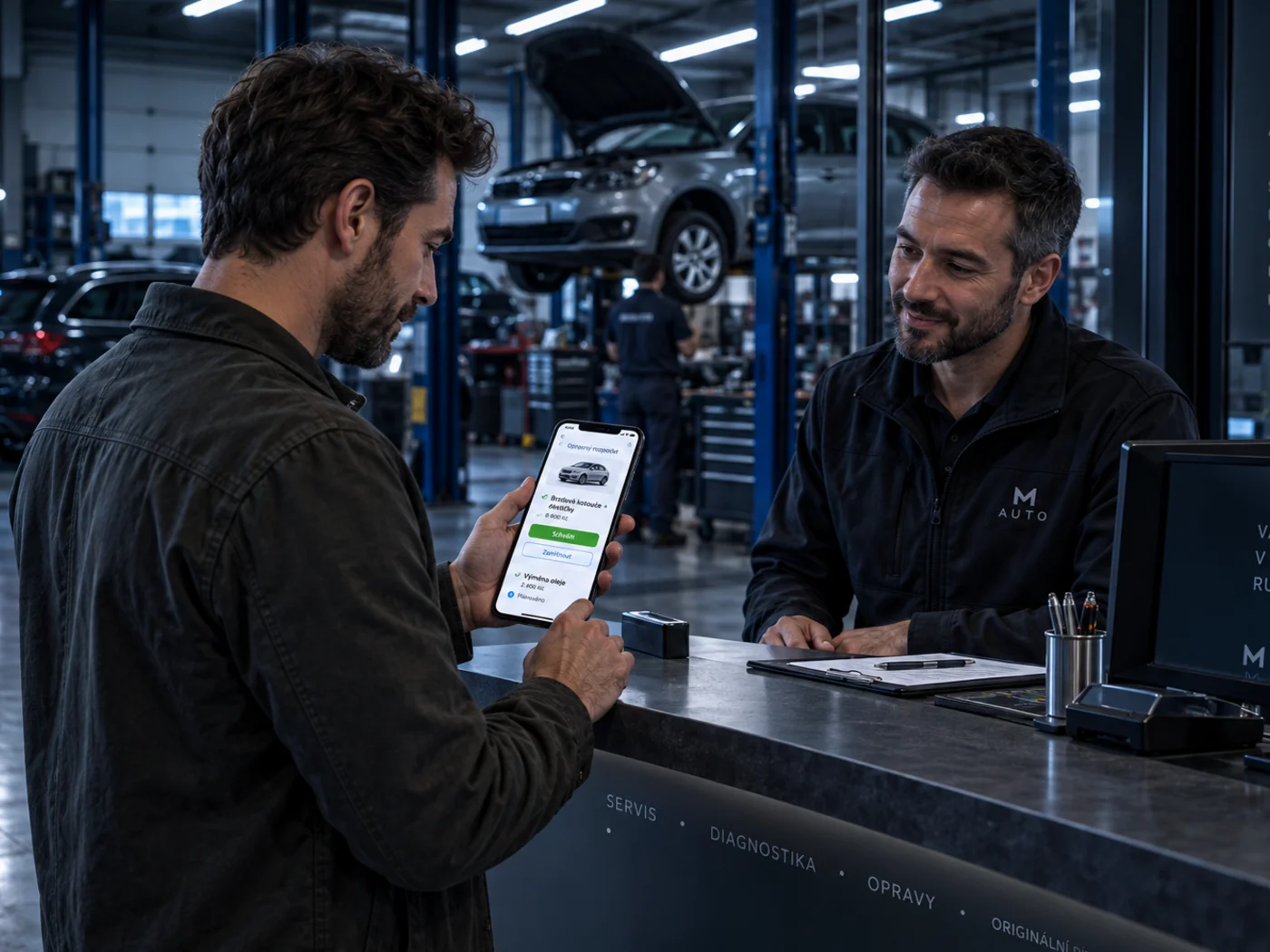
A protocol with photos
Details, Photos and Documents tabs.
- The customer's signature with the date
- JPG, PNG, WEBP photos and PDF documents
- A link to the protocol inspection
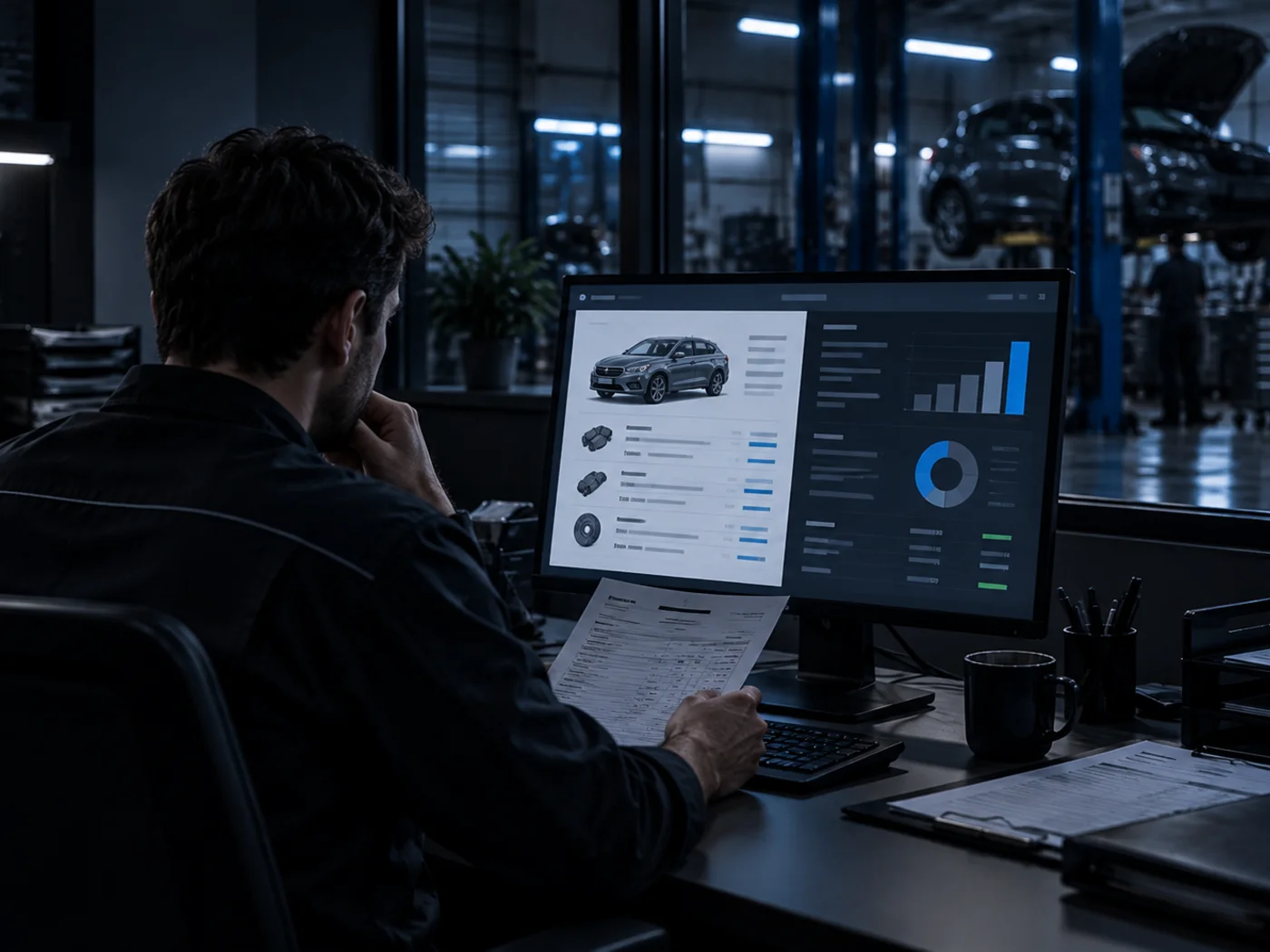
04Tasks step by step
- STEP 1Open the vehicle card and in the Management menu choose Check in the vehicle.
- STEP 2Enter the mileage, fuel and keys, fill in the inspection card.
- STEP 3Ask the customer to sign on screen and save. The vehicle inspection opens.
- STEP 1On the vehicle card choose Hand over the vehicle.
- STEP 2Point to the check-in document, enter the mileage and fuel, collect the signature.
05Actions
The most common tasks at check-in and handover.
Check in the vehicle
A protocol from the vehicle card.
Hand over the vehicle
A handover linked to the check-in.
Inspection
The protocol's damage map.
06What it connects to
Choose a module to see how it connects to protocols.
Vehicles
Protocols are created from the vehicle card and stay in its history.
Go to the topicVehiclesVehicle inspections
Every protocol creates a vehicle inspection.
Go to the topicVehicle inspectionsWarranties
The handover date marks the start of the warranty.
Go to the topicWarranties