


01What it is
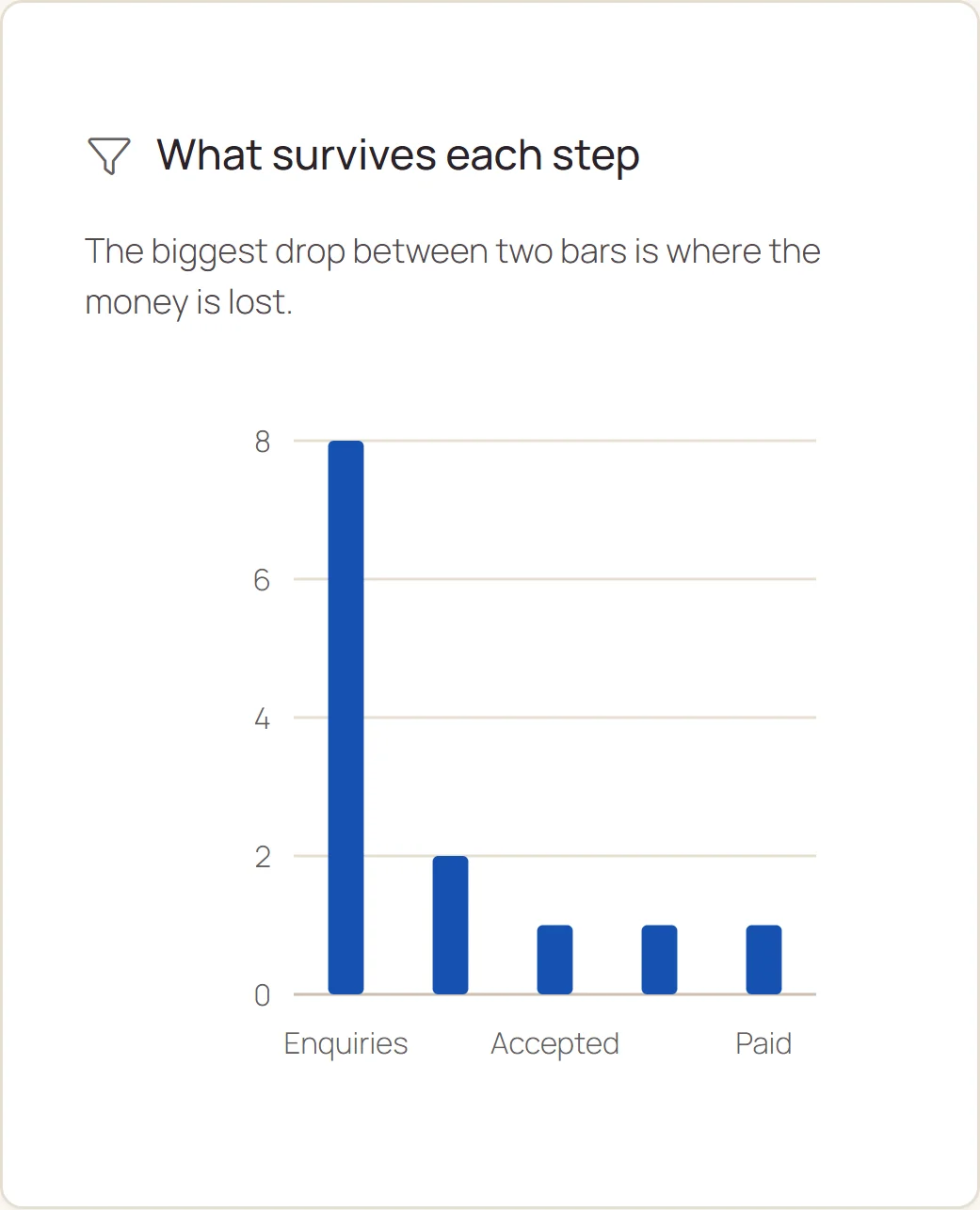
The funnel has five steps: enquiries, quotes, accepted, jobs and paid. A step's conversion is its result against the previous step, and the overall conversion is paid against all enquiries.
The Sources and losses tab shows the win rate of every enquiry source and the reasons customers walk away.
The report shows in extended mode for people with the finance permission.
- FIVE STEPS
- From enquiry to a paid job.
- SOURCES
- Win rate and estimated value of every source.
- LOSSES
- Reasons for lost enquiries.
02What it is for
Where you lose customers
The step with the lowest conversion needs work.
Where to spend on advertising
The sources with the highest win rate.
Why customers leave
Reasons for loss collected in one table.
03Main options
The report has two tabs: Funnel, and Sources and losses.
What survives each step
Tiles: enquiries, quotes, jobs, from enquiry to payment.
- A chart of the five steps and enquiries over time
- Table: remaining, dropped, conversion
- Conversion below 50% highlighted in red
Where from and why
Enquiry sources and loss reasons.
- Sources: online booking, website, Instagram, Facebook, Google, referral, phone, walk-in
- Enquiries, won, win rate and estimated value per source
- Loss reasons with the number of enquiries

04Tasks step by step
- STEP 1Open Modules › Reports › Sales funnel, Sources and losses tab.
- STEP 2Set the 12 months range and compare the win rate of the sources.
- STEP 1In the Funnel tab check the conversion of every step.
- STEP 2The step with the lowest conversion is the place to improve, for example faster quotes.
05Actions
The most common tasks in the sales funnel.
Date range
Compared with the previous period.
Export CSV
The funnel and sources.
06What it connects to
Choose a module to see where the data comes from.